
Squarespace · 2021
Squarespace Undo/Redo
Improved ease-of-use of the editor by adding undo/redo — removing a frustrating barrier to experimentation.
Role
Product Designer
Skills
- User Experience
- Visual Design
- Design System
- Prototyping
Team
- 1 Product Manager
- 4 Engineers
- 1 Content Strategist (Matrixed)
- 1 UX Researcher (Matrixed)
- 1 Data Scientist (Matrixed)
Company
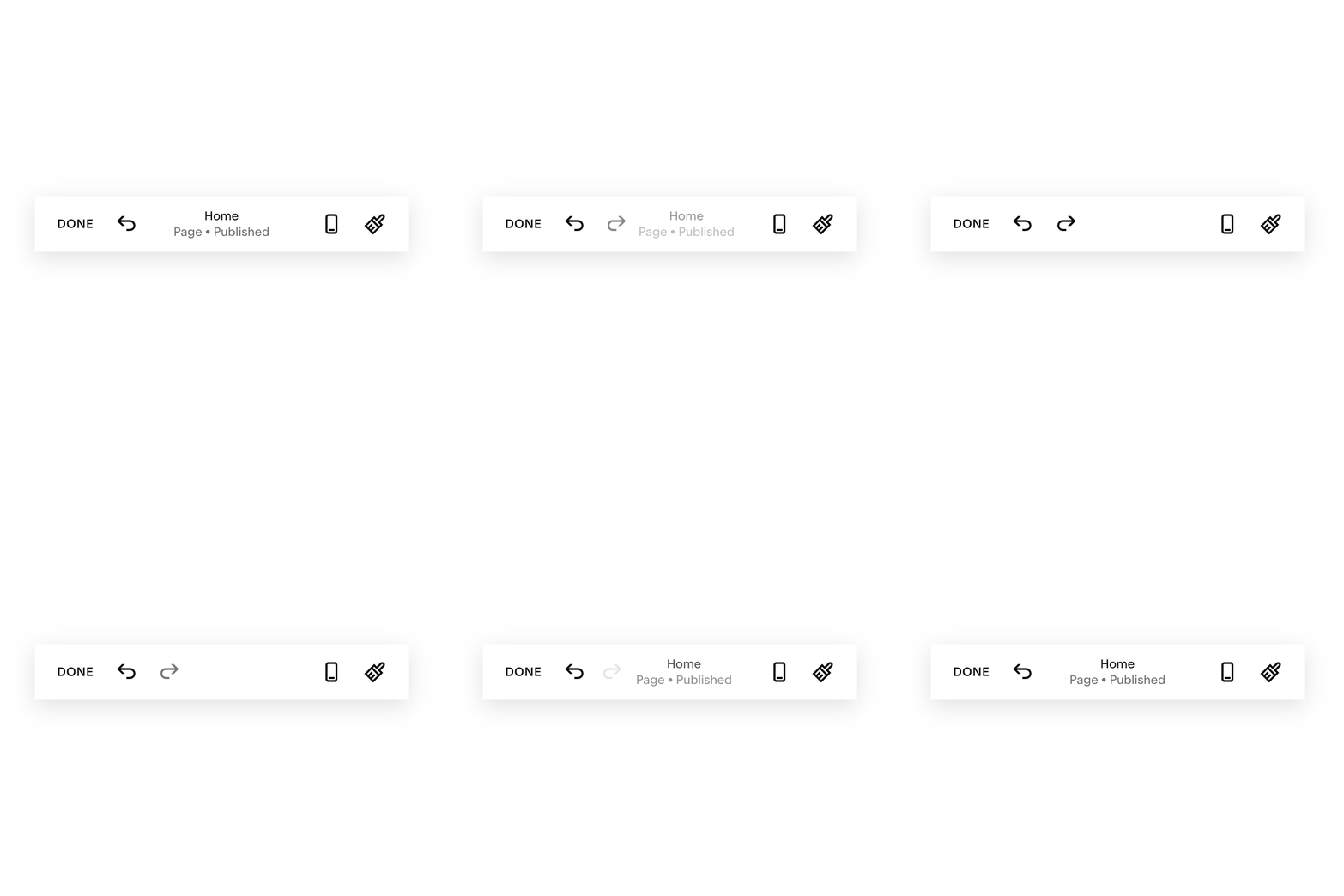
Website creators couldn’t undo any action within the website editor.
This led to users saving their page after every change, and often from the difficulty abandoning their website altogether.
- Goal
- Improve ease-of-use of the editor by removing a frustrating barrier to experimentation.
- Limitations
- Some blocks won’t support undo/redo because they have their own save states or connect with external APIs. Won’t work in iOS app.
- Success Metrics
- By enabling undo/redo, we expected to see a 25% reduction in discarding changes, indicating less frustration and an easier editing experience.
What feedback to show when undoing or redoing?



Final design: Undo/redo buttons and visual changes showing undo or redo occurred

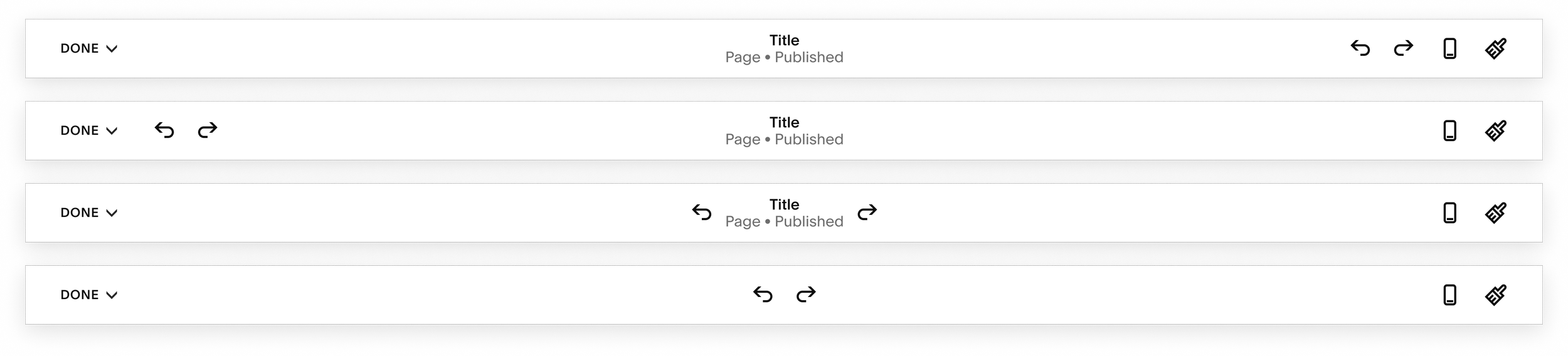
Placement Explorations
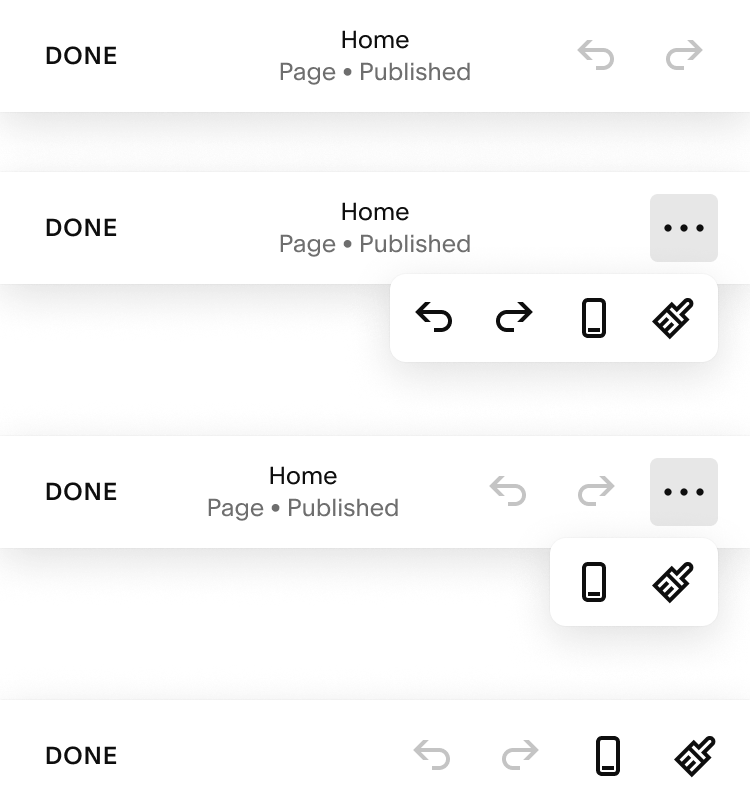
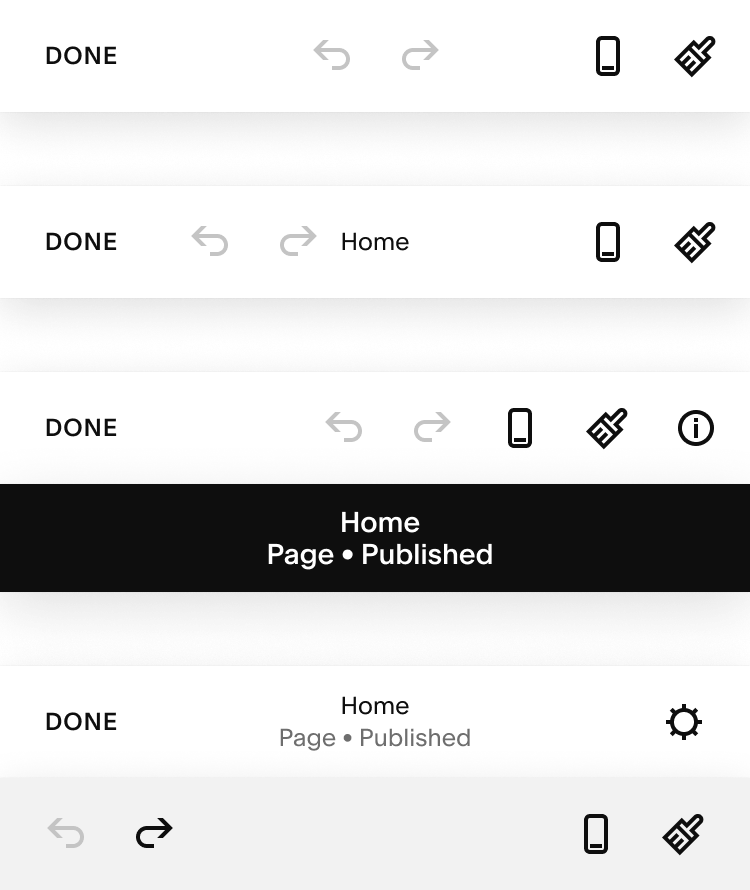
Where is the most logical, intuitive place to put undo/redo?
Mobile web
Visual feedback decision
After many design reviews, I decided to go with the simplest option of having no visual queues or messages since most undos and redos will occur in the space the user is currently working in.
What I learned
- No matter how simple a feature seems, it’s important to iterate to build confidence in the design direction
- Undo/redo is really complex due to save states and when it works well nobody notices its there
- Exploring future versions that include auto-save and version history was helpful in deciding the project scope