
Squarespace · 2022
Squarespace Block Editors
Created a consistent editing paradigm across 47 block editors that users can easily learn, recognize, and recall.
Role
Product Designer
Skills
- Information Architecture
- User Experience
- Visual/Design System
- Prototyping
- User Research
Team
- 1 Product Manager
- 4 Engineers
- 1 Content Strategist (Matrixed)
- 1 UX Researcher (Matrixed)
Company
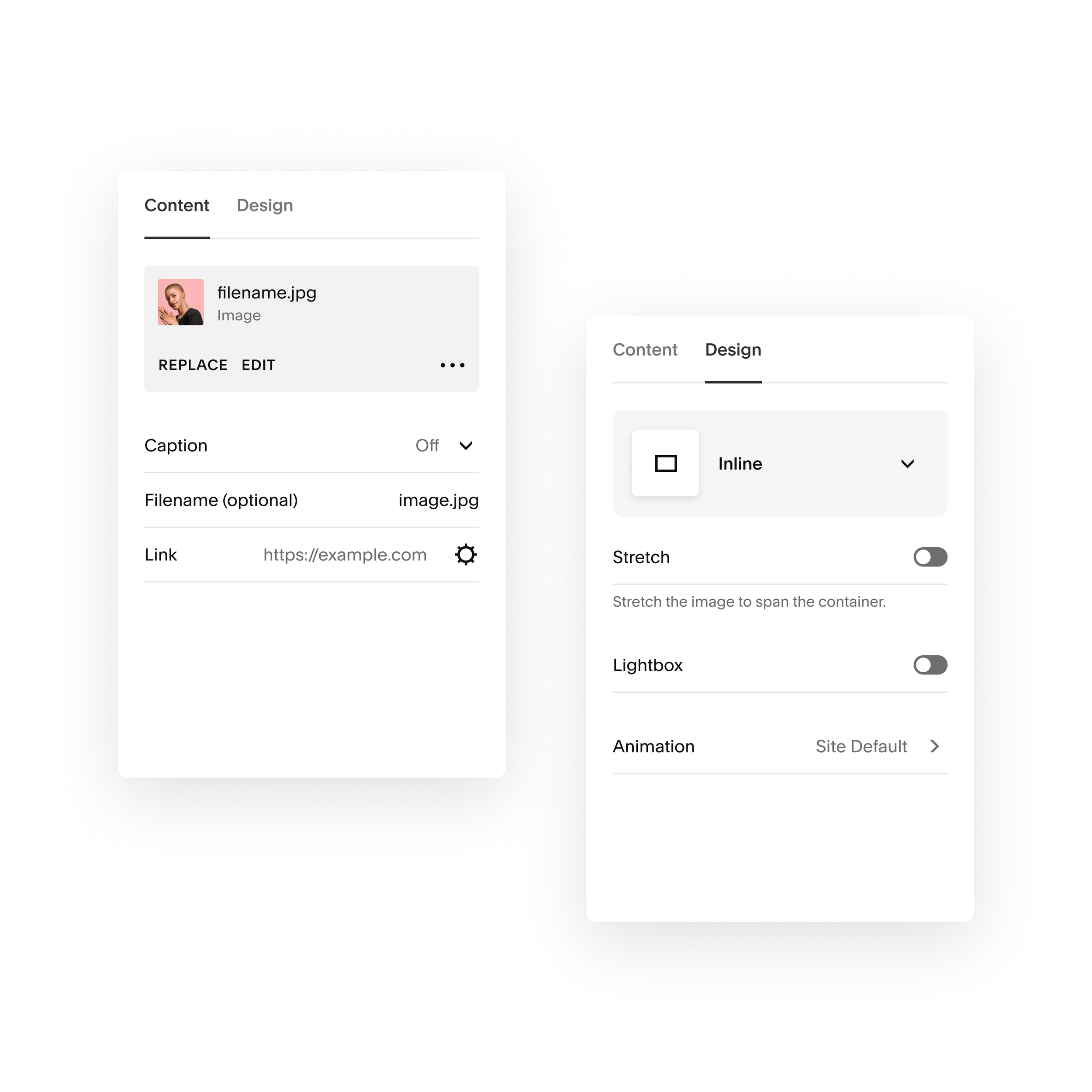
Website creators can’t find the settings they need.
We hypothesized that by building a consistent editing experience across blocks, creators could more successfully finish their websites.
- Goal
- Create a consistent editing paradigm that users can easily learn, recognize, and recall.
- Scope of Work
- 47 Block Editors released in phases, hundreds of different settings across each block, including both desktop and mobile web.
- Success Metrics
- No reduction in the vital metrics trial-to-sub or page save rates. Implemented detailed tracking within each block.
Process
Information Architecture
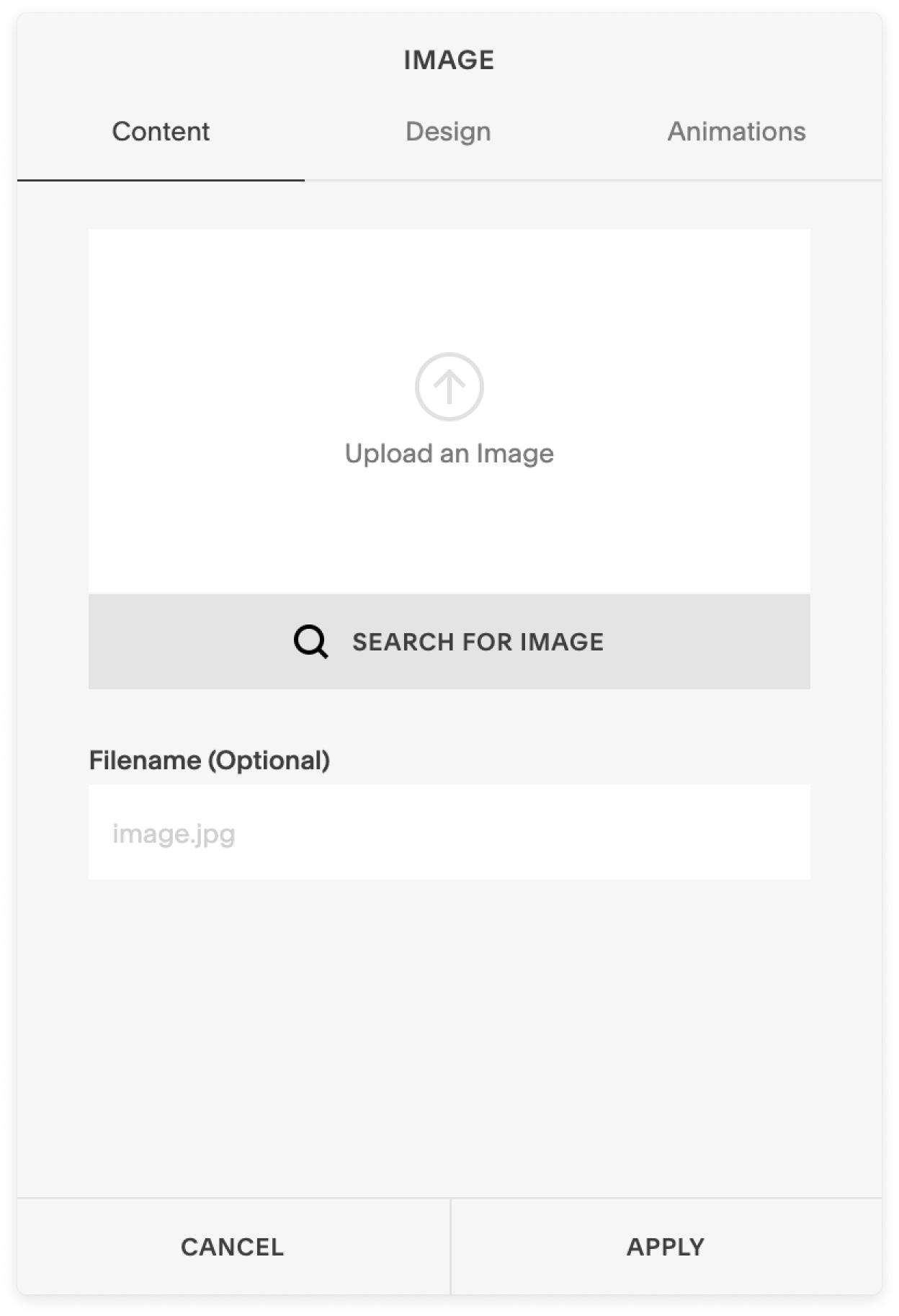
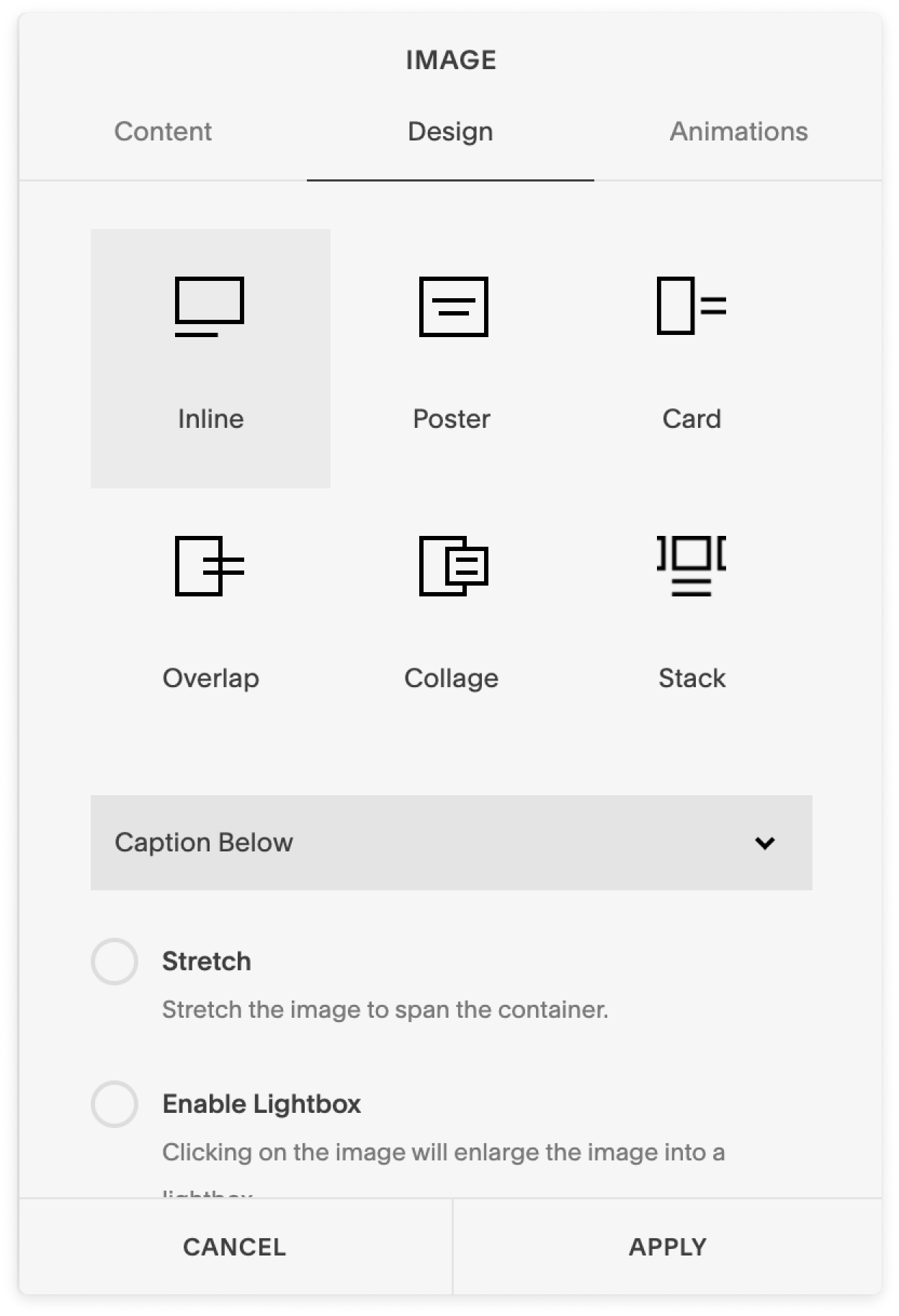
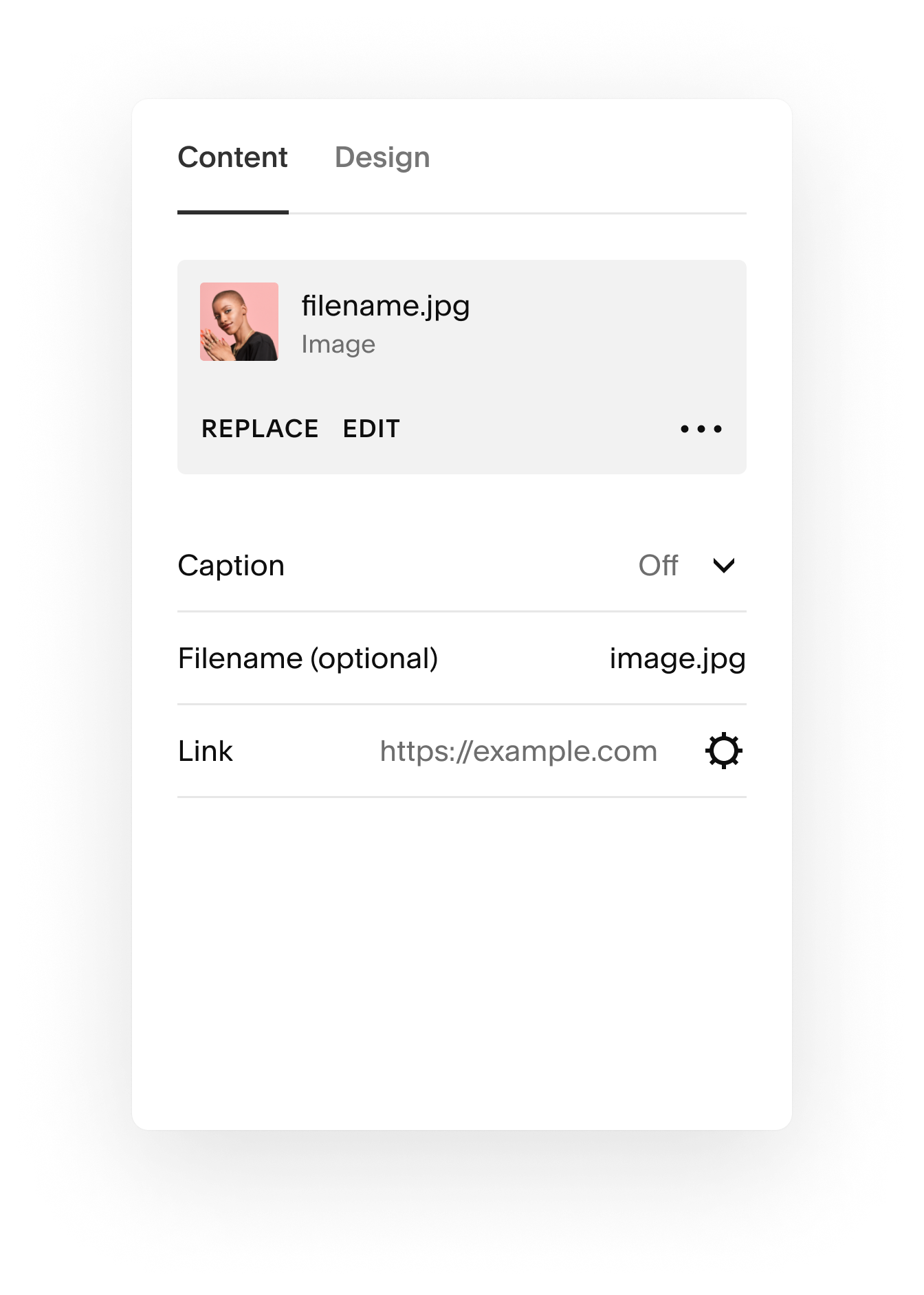
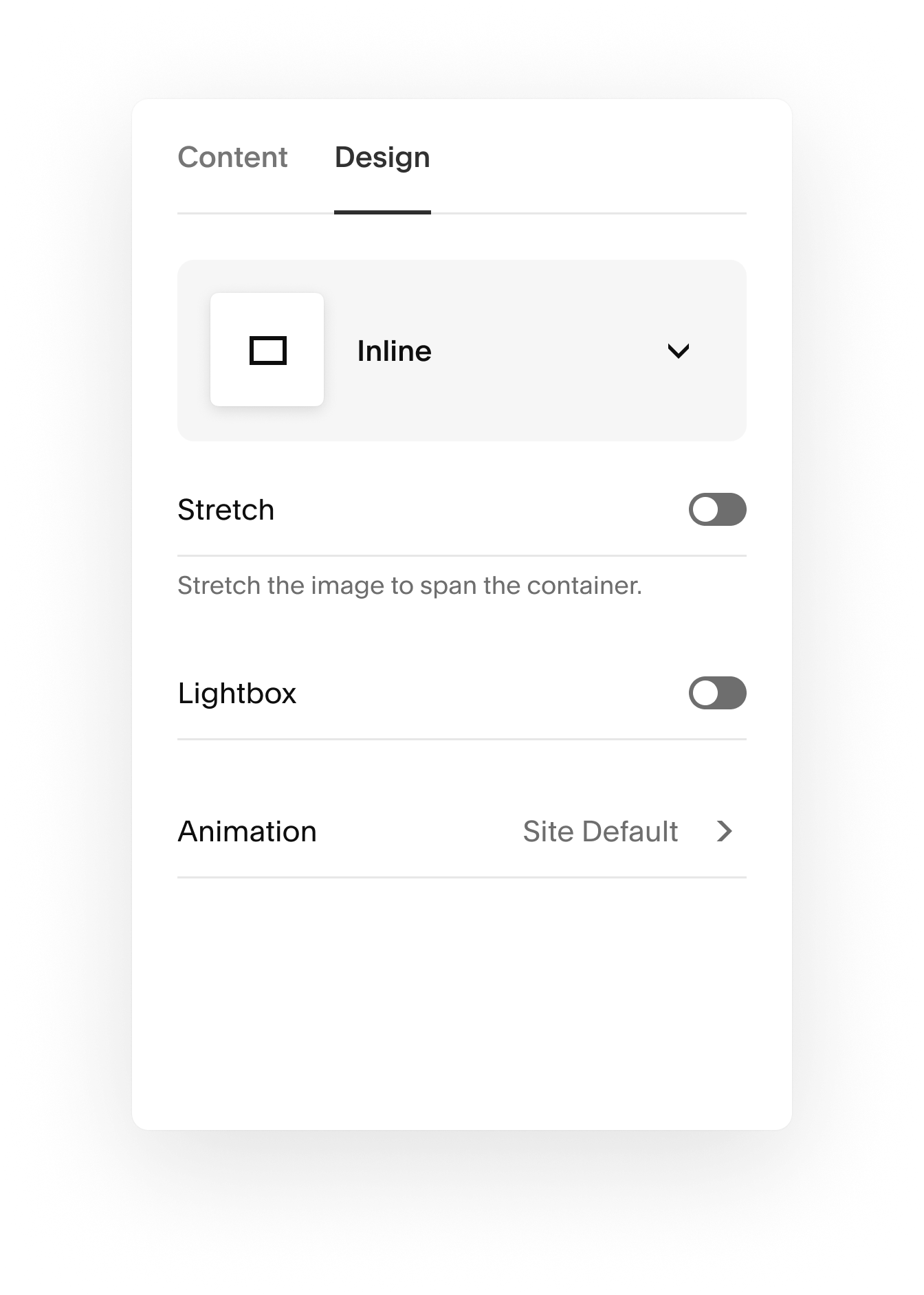
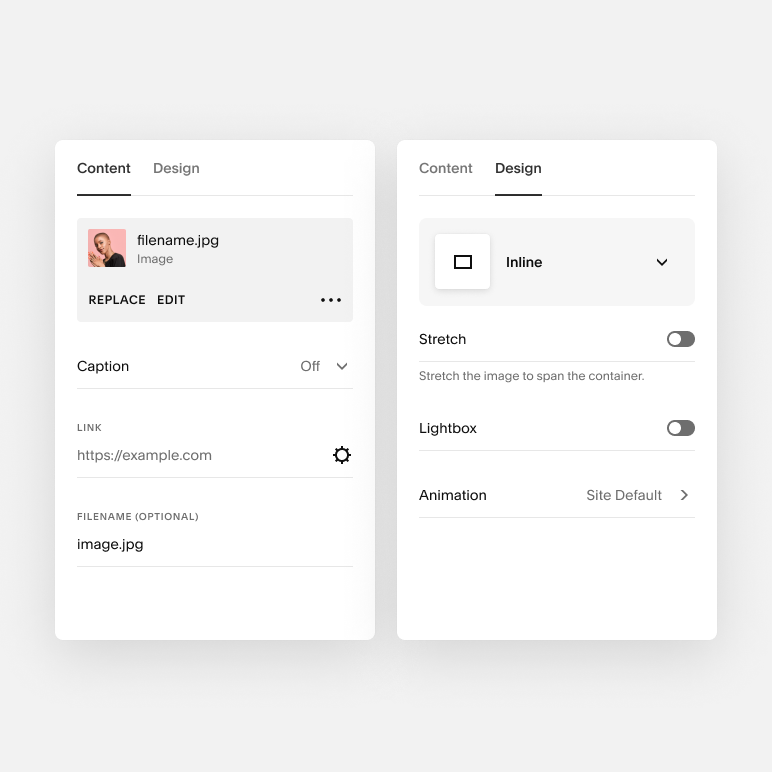
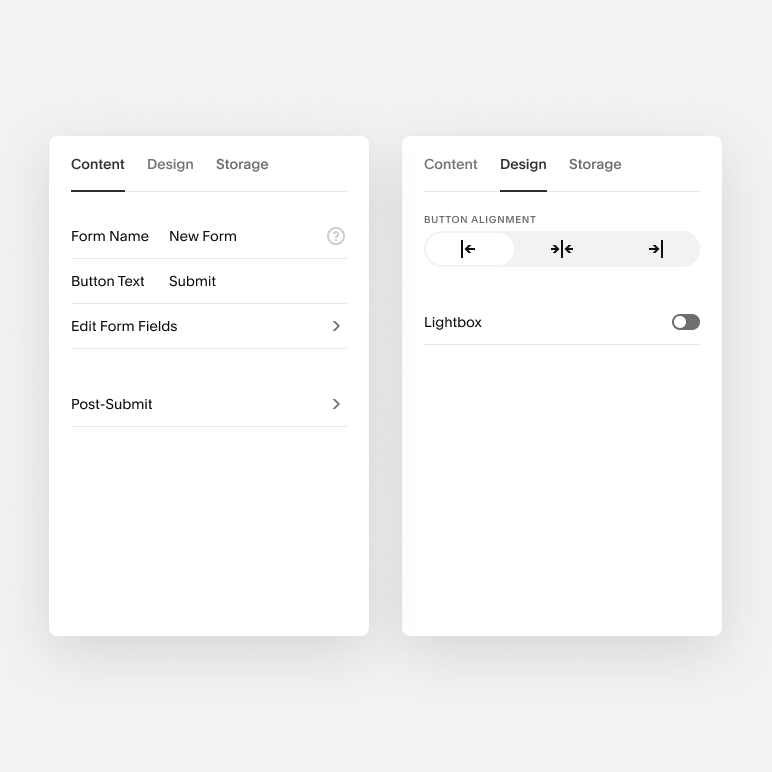
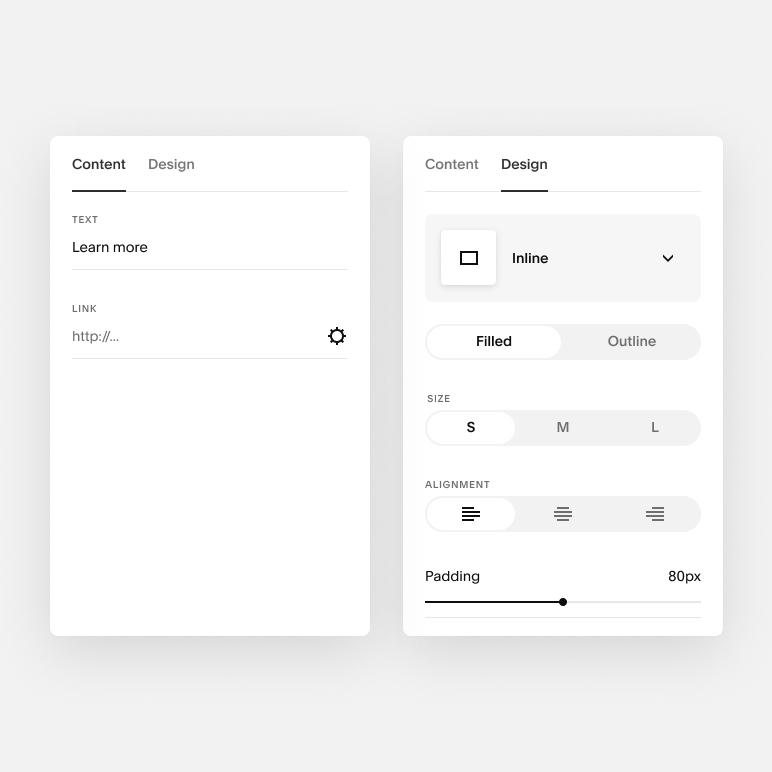
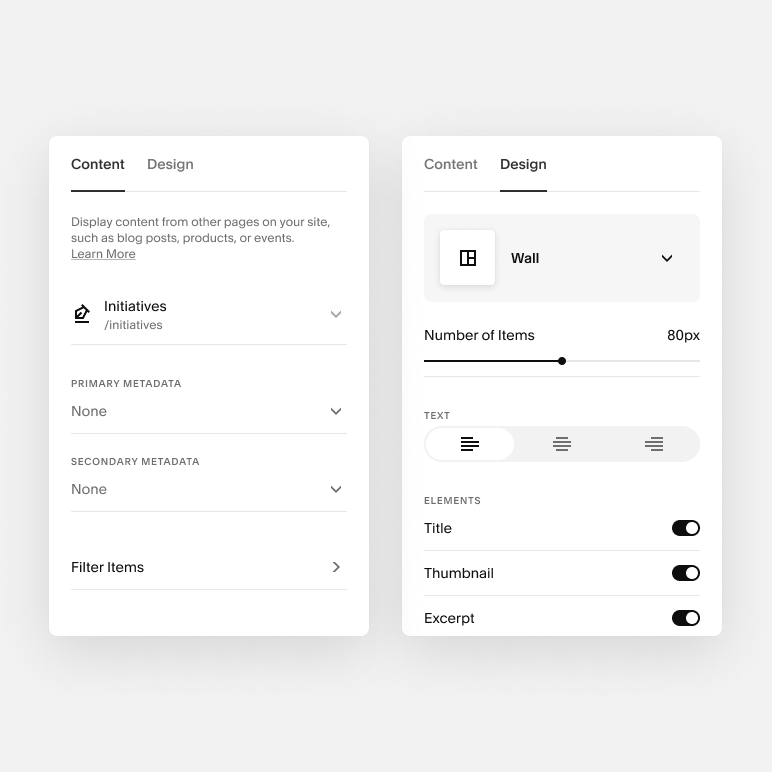
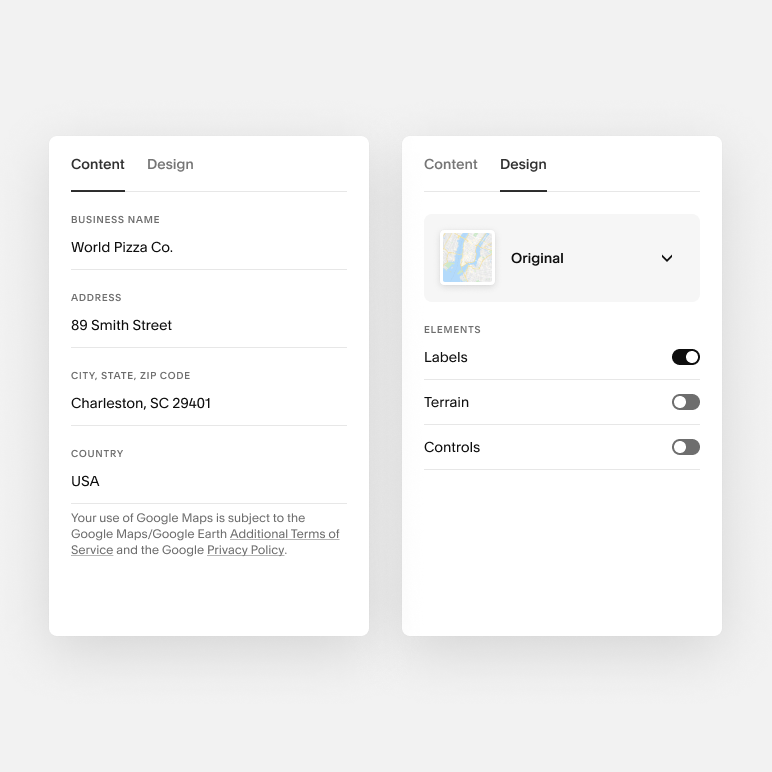
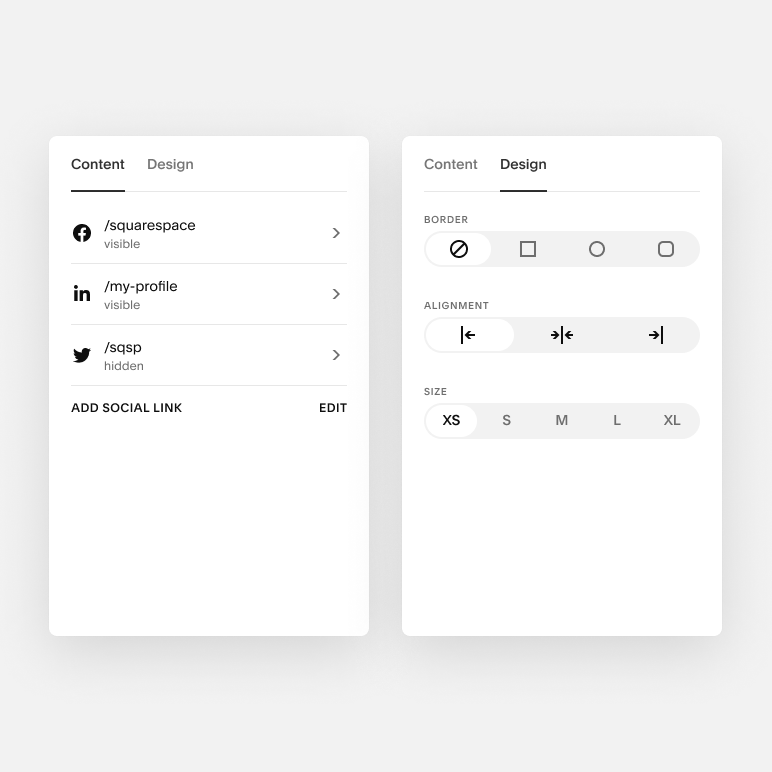
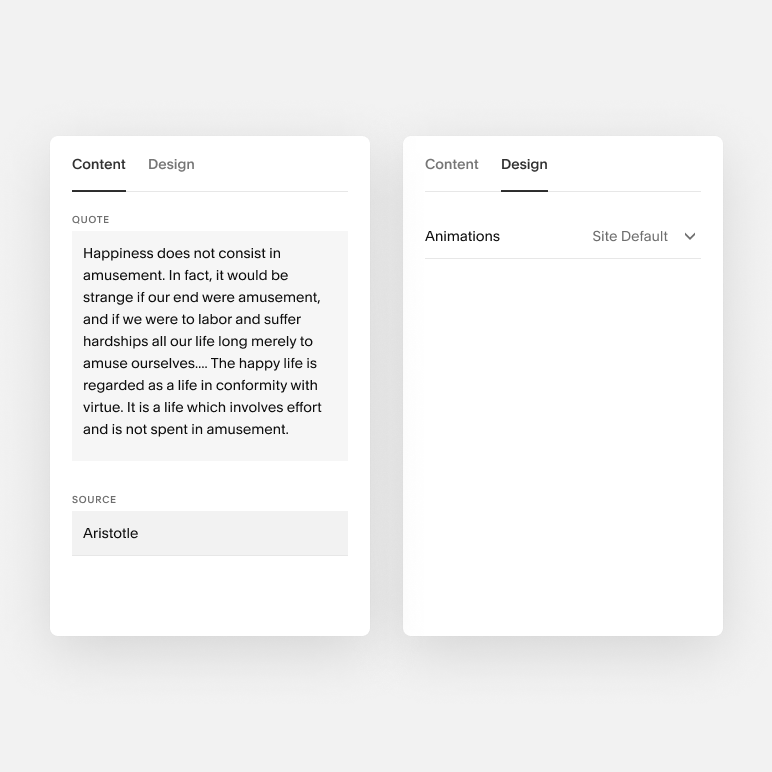
Working closely with Content Strategy and UX Research, I catalogued every setting in the block editors and developed a new structure, consolidating all settings into a few tabs: Content and Design.
Old Image Block
New Image Block
Validation
User Research: Tree Test
Two taxonomy versions: old block vs. new block.
- 4 blocks per version: image, button, summary, newsletter
- 45 participants per version (90 total)
- Success metrics:
- Success: did the user select the correct answer? Y/N
- Directness: did they get to the correct answer directly or indirectly?
Results
In the Tree Test, we saw improved speed of task completion between old and new, indicating a significant improvement with the new architecture.
“Everything was where I thought it was. In the end it was pretty easy find everything. You had everything in the right category.”
— Tree Test Participant
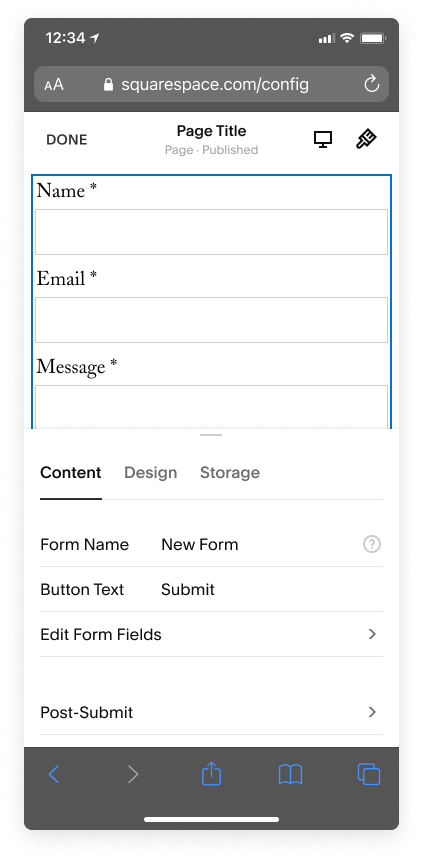
Mobile Web and iOS Ready
Updating the blocks to the current design system also means each component of the block editor automatically has a mobile friendly version.
Final Block Designs
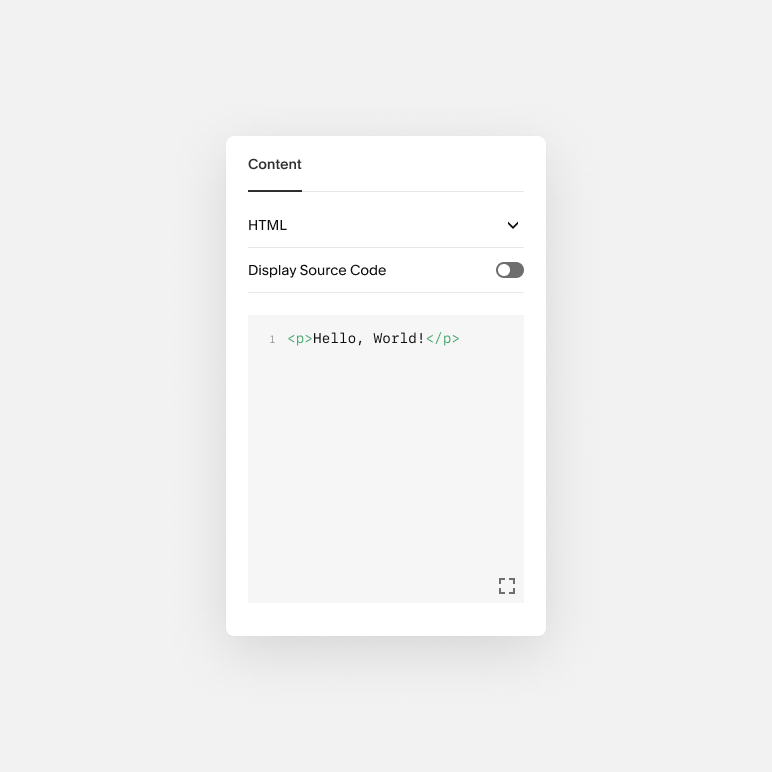
- Finished redesigning all 47 blocks
- Released 18 blocks as of 2022
- Did no harm to important metrics: neutral trial/sub, block usage, and page saves
- Very positive feedback
What I learned
- As I redesigned block editors, I had to accommodate each block’s specific needs. For example, I made the Code Block much larger after release because users need a lot more width when editing code.
- Continuous validation with user testing was really important to validate that we were on the right path.
- Working closely with our design system team was vital to work through any issues with our components.
- Redesigning a current feature can make UX worse if you don’t account for most use cases.